

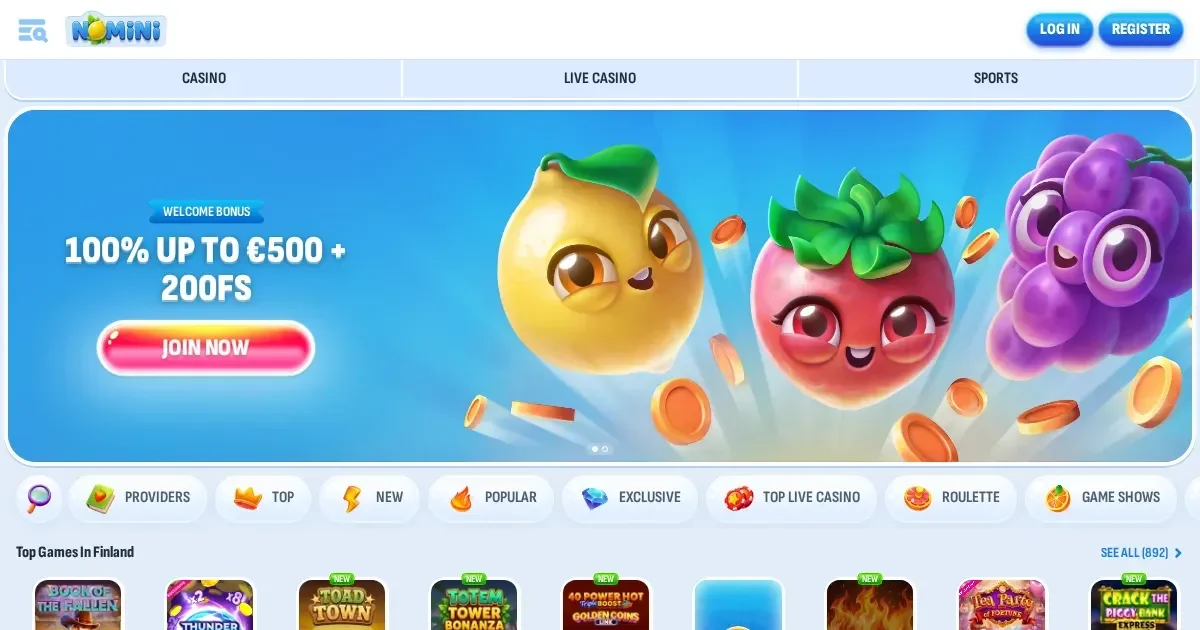
Your account lives at Nomini, and only the operator can restore, verify or unblock it. This page walks you through the sign-in process and explains what to do when things go wrong.
How access works here
- Open the operator's own site in your browser.
- Look for the sign-in button and click it.
- Enter the email address and password you chose when you registered.
- Confirm, and you're in.
No account yet? Registration happens at the operator too.
The mobile route
Signing in from a phone uses the operator's site in a mobile browser – the same account, the same password you set on desktop. There's no separate mobile login, and no app to install unless the operator publishes one.
Why a login is refused
A handful of things stop access. Here's what goes wrong and what to do about each:
- Wrong credentials: check your email for typos and make sure caps lock is off.
- Unverified account: the operator may block access until you upload identity documents – check your inbox for a verification request.
- Self-exclusion in force: if you set a break period, the account stays closed until it ends. Contact support if you need help, not a workaround.
- Browser session problem: clear cookies, try a different browser, or restart your device.
- Regional block: the operator restricts access from certain countries – a VPN won't fix this, and trying to get around it may close your account permanently.
Resetting a password the safe way
Forgotten your password? The operator emails a reset link to the address you used at registration. Click the link, set a new password, and sign in with it. If you no longer have access to that email account, contact the operator's support team – they'll walk you through identity verification before resetting access. Never send your password to anyone, including support.
Holds, checks and self-exclusion
The operator may restrict access for several reasons:
| Cause | What happens |
|---|---|
| Verification hold | Documents must be provided within 30 days after the request is made. The operator usually verifies documents within 10 days after the request is answered in full. |
| Inactive account | If an account is not logged into for 180 days, a 5 EUR administration fee is charged each month. |
| Self-exclusion | The account stays closed for the duration you requested. Self-exclusion is available by contacting customer support via email. |
Support channels
Account problems go to the operator, not to this portal. Nomini's support team is reachable through Live Chat (available 24/7) and Email. Before you write, have your registration email, the exact message on screen, and when the problem started ready to hand. The team can't restore access without confirming your identity first.
Keeping access safe
Sign in only on the operator's own address – typed into the browser or bookmarked, never through a link in an email or a message. Use a password you haven't used anywhere else, and sign out when you're done if the device is shared with anyone. If the operator offers two-factor authentication, turn it on – it's the single most effective guard against someone else getting into your account.
Gambling should be entertainment, not a chore. Access to this content is restricted to persons aged 18 and over (18+). If gambling ever stops feeling like fun, free confidential support is available through BeGambleAware.org, GamCare (National Gambling Helpline: 0808 8020 133, free and 24/7), GamStop for national self-exclusion, and Gordon Moody for residential and online treatment. Blocking software such as Gamban and BetBlocker (free, multi-platform) can help too.
This page is for information and marketing purposes only. We are not a casino operator, a bookmaker or an organiser of gambling. Access to this content is restricted to persons aged 18 and over (18+). We encourage you to gamble responsibly – for free, confidential support visit BeGambleAware.org.